Start with a 14-day trial for 1 support agent. Then free with up to 100 tickets per UTC calendar month. More tickets require a paid plan. See plan limits and minimum prices.
- Click the following button which brings you right into Microsoft Teams:
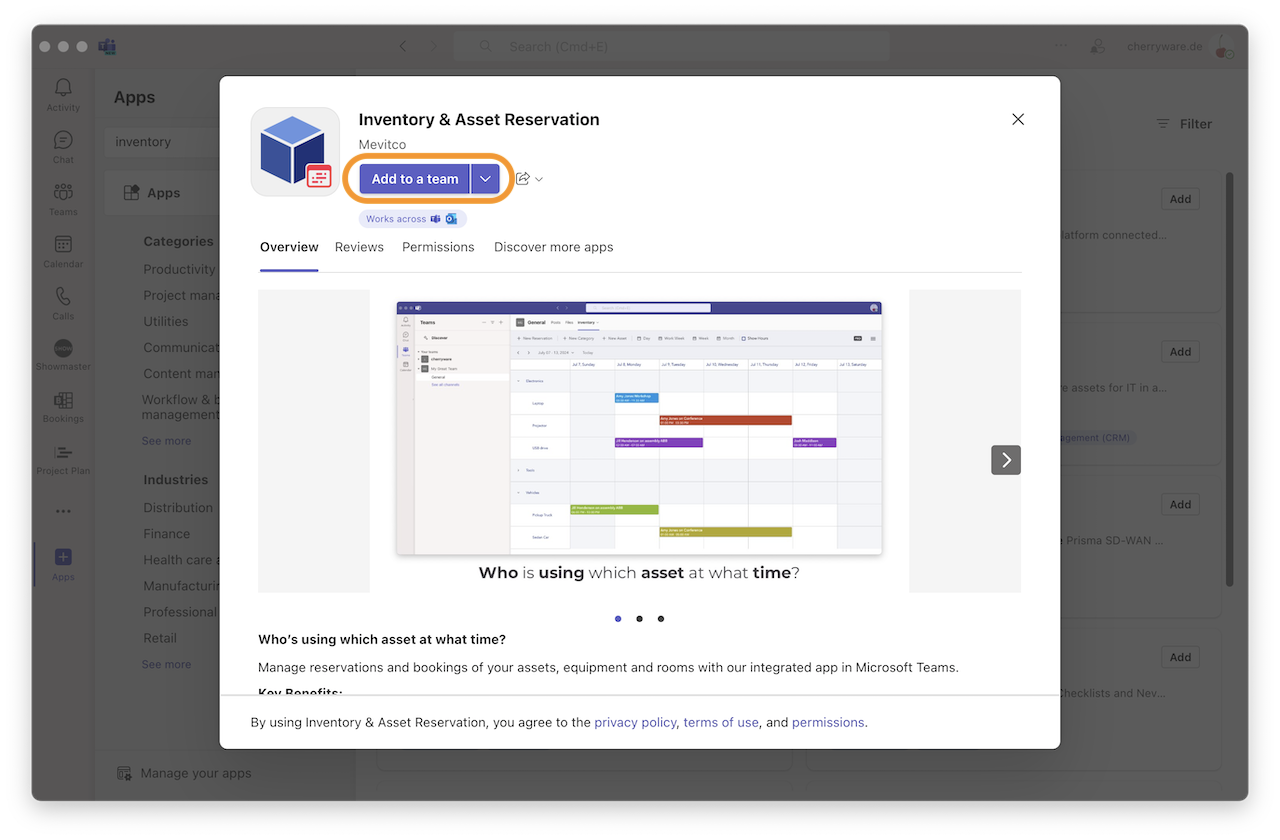
Install in Microsoft Teams - Press Add to a team.
- Select a team and channel, where you would like to add Ticket Helpdesk and press Open.
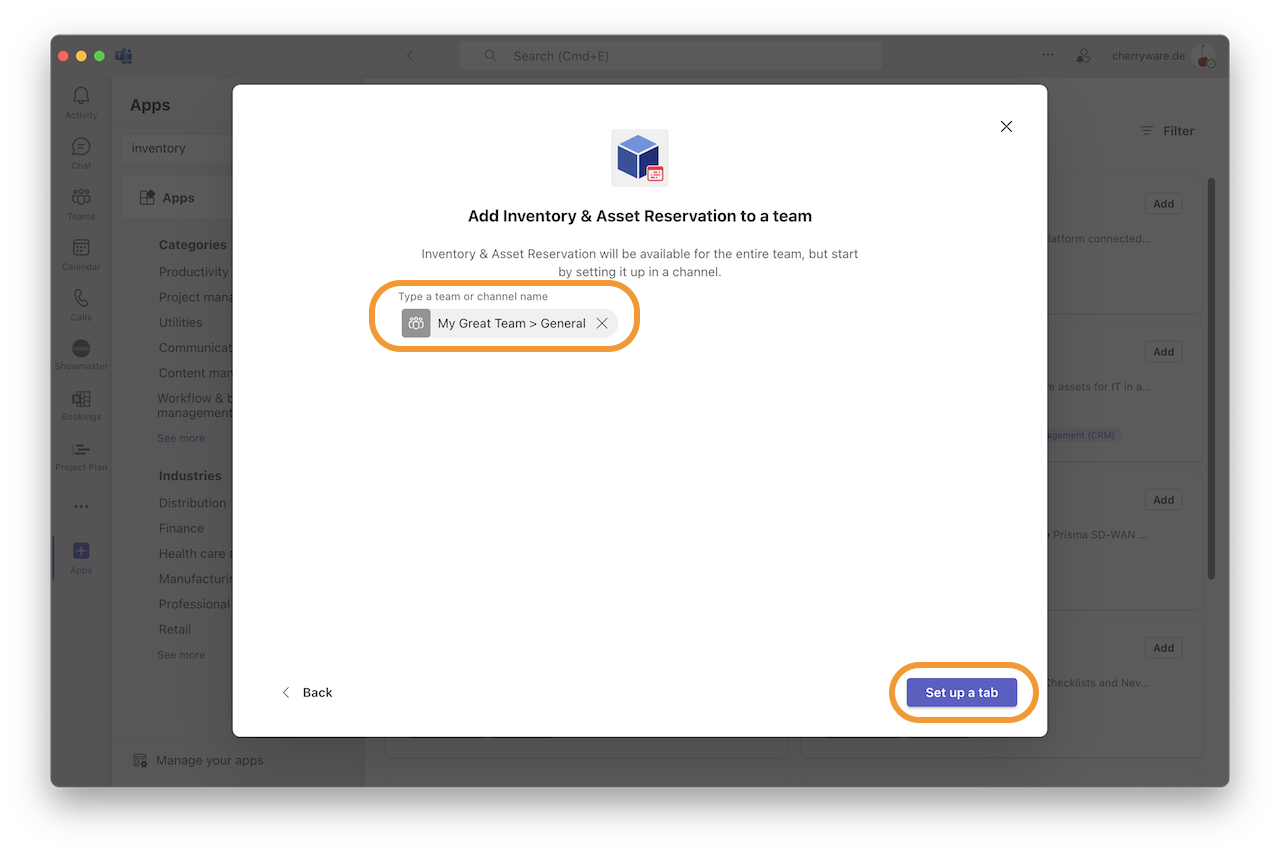
Done!
Next, use the administrator guide to configure your queues, mailboxes and team access. Share the user guide with people who will submit requests.
Please contact us if you have any questions or need help with the installation.